


Hospital software walkthrough: a patient's journey
See how the modules of Tirupati Ultimate HMS Pro+ work together, from the moment a patient arrives to the final reports. This is a typical flow; it can be adapted to how your hospital works.
-
Step 1
Reception
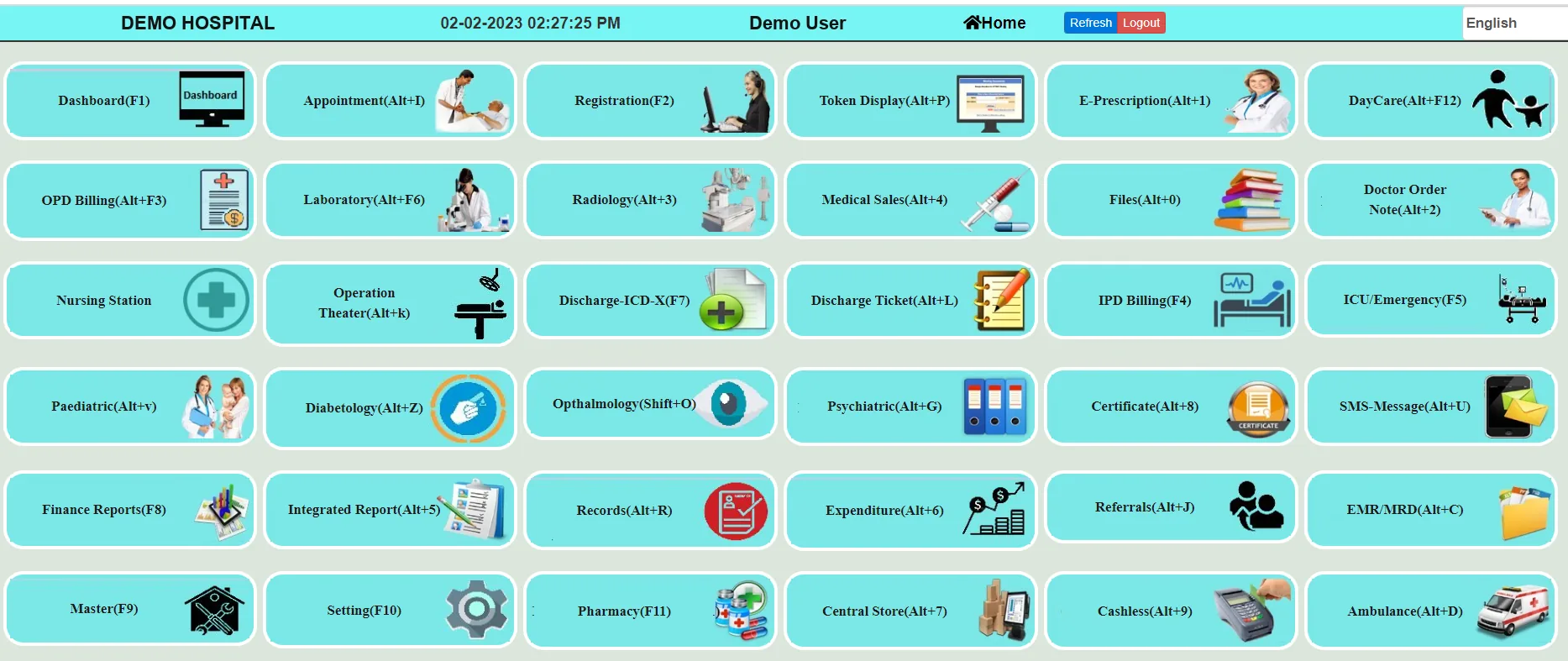
The patient is registered, an appointment or token is given and the first bill is made.
Reception: Dashboards, Appointment, Patient Registration & Billing, Token Display
-
Step 2
Doctor
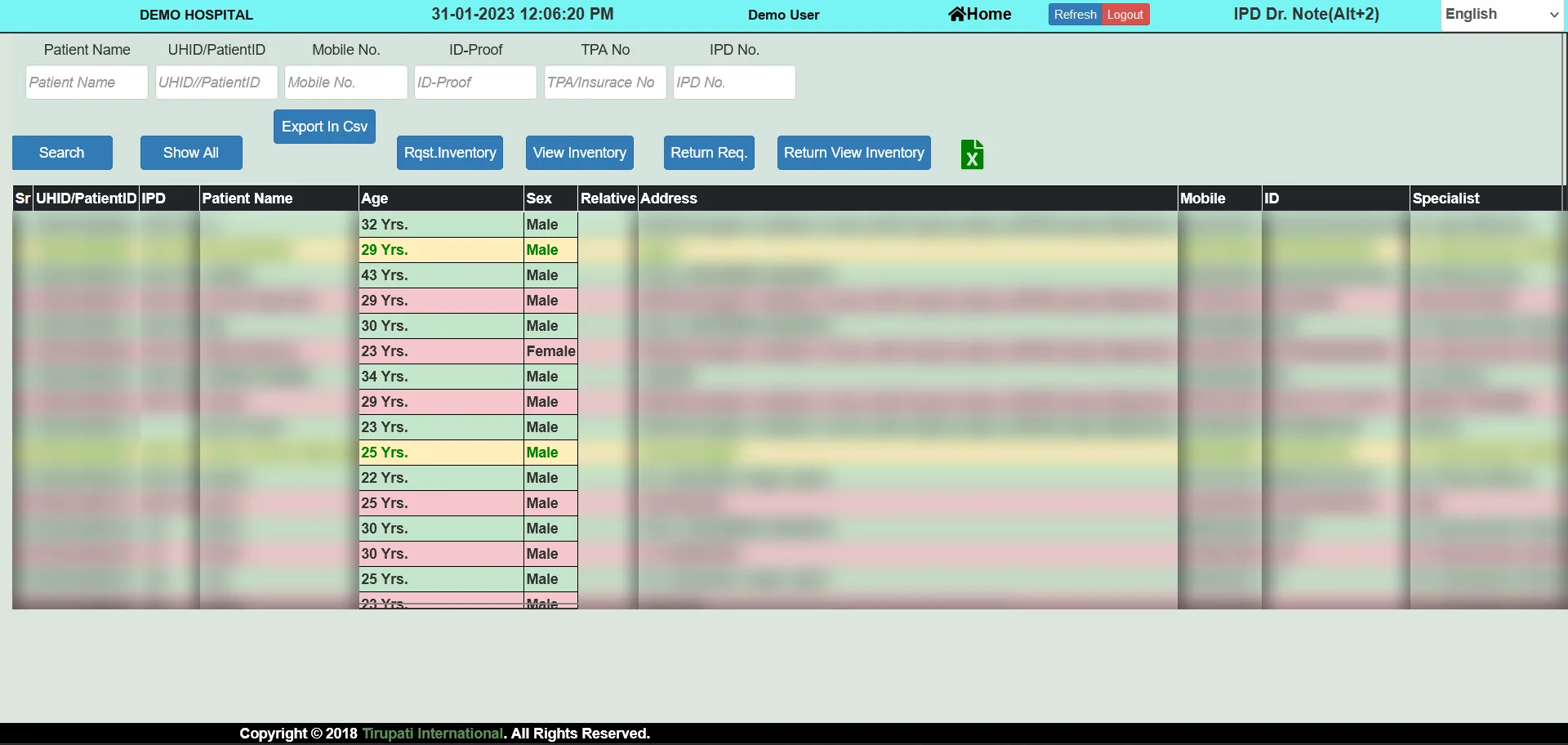
The doctor sees the patient record, writes the e-prescription and orders tests.
Doctor: E-Prescription, IPD Notes, OT Note, ICD-X Data, Discharge Summary, Patient EMR
-
Step 3
Laboratory
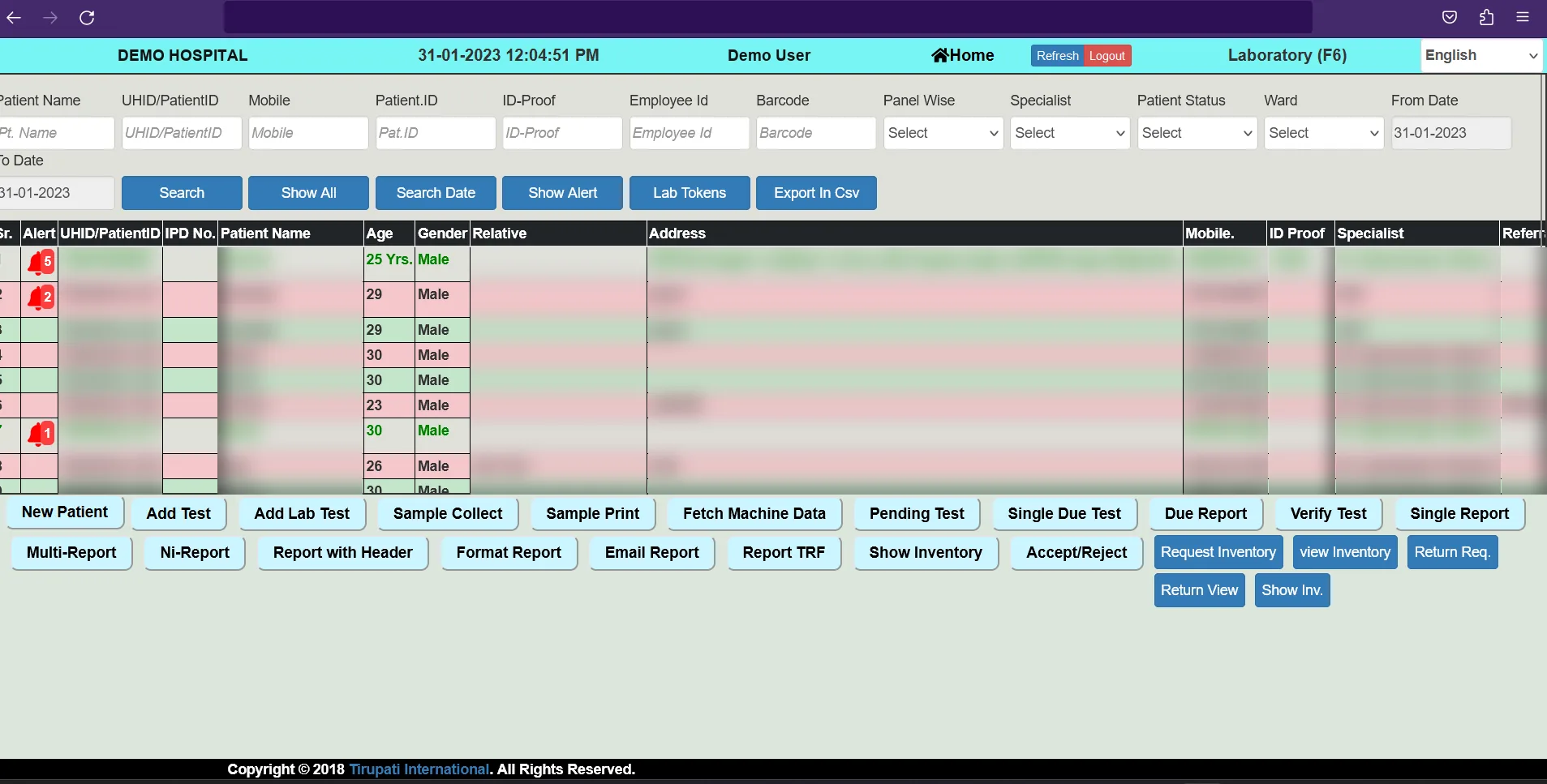
Samples are collected and tested, and results go back to the doctor and patient.
Laboratory: Sampling, Testing, Indent Inventory, Lab-Device Interface, Reports, Patient Services
-
Step 4
Radiology
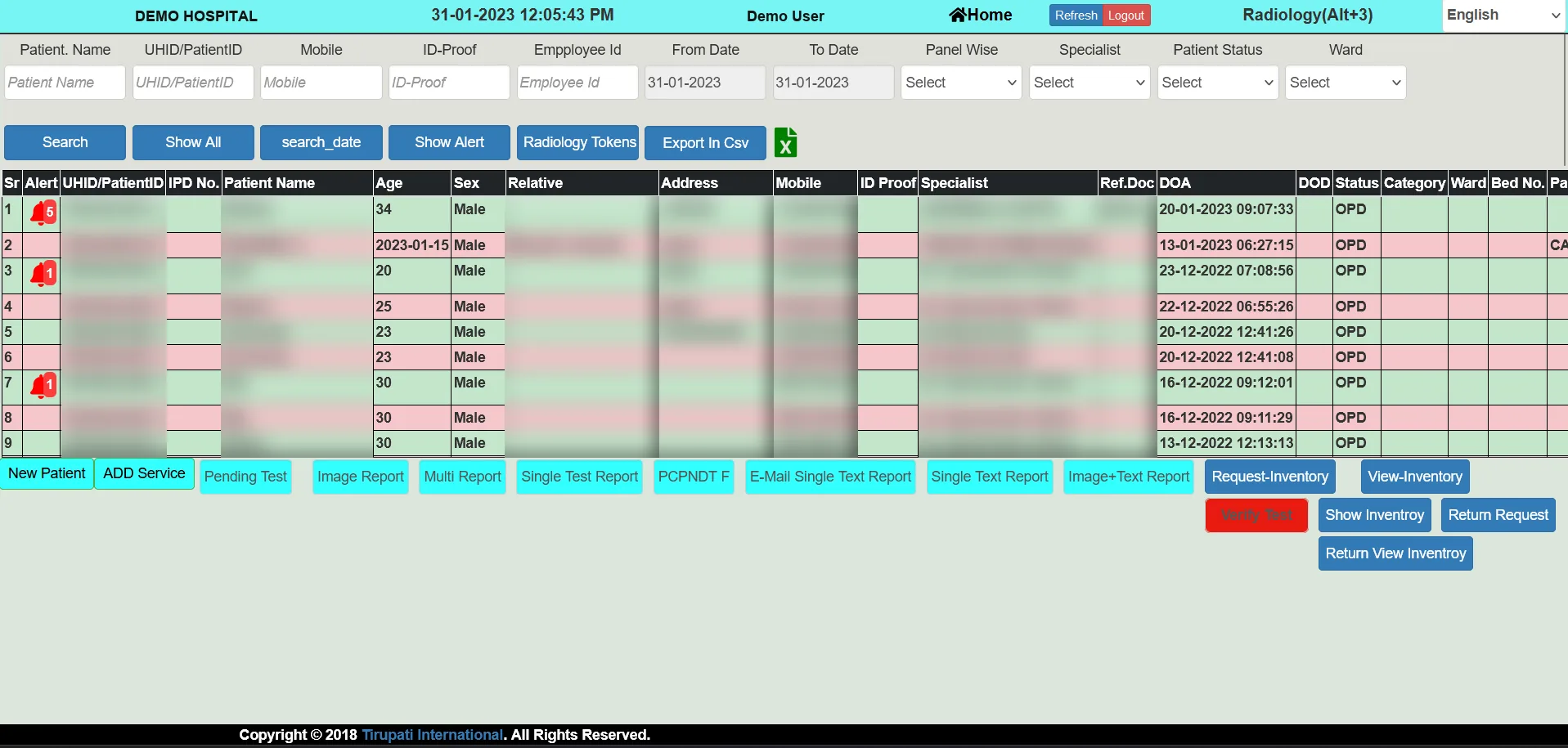
Scans are done and image plus text reports are attached to the patient record.
Radiology: Scanning, Image + Text Report, Inventory, Radio-Device Interface, Reports, Patient Service
-
Step 5
Nursing desk (admitted patients)
For admitted patients, nurses record vitals, progress, services and consumables.
Nursing Desk: Patient Treatment & Service Entry: Vitals & Progress, Equipment, Lab, Radiology, Doctor Visit, Blood Transfusion, OT & Indent Consumables Medicines
-
Step 6
Operation theatre
Operations are scheduled, and theatre inventory and implants are tracked.
OT Theatre: OT Schedule, Inventory, Implants
-
Step 7
Pharmacy
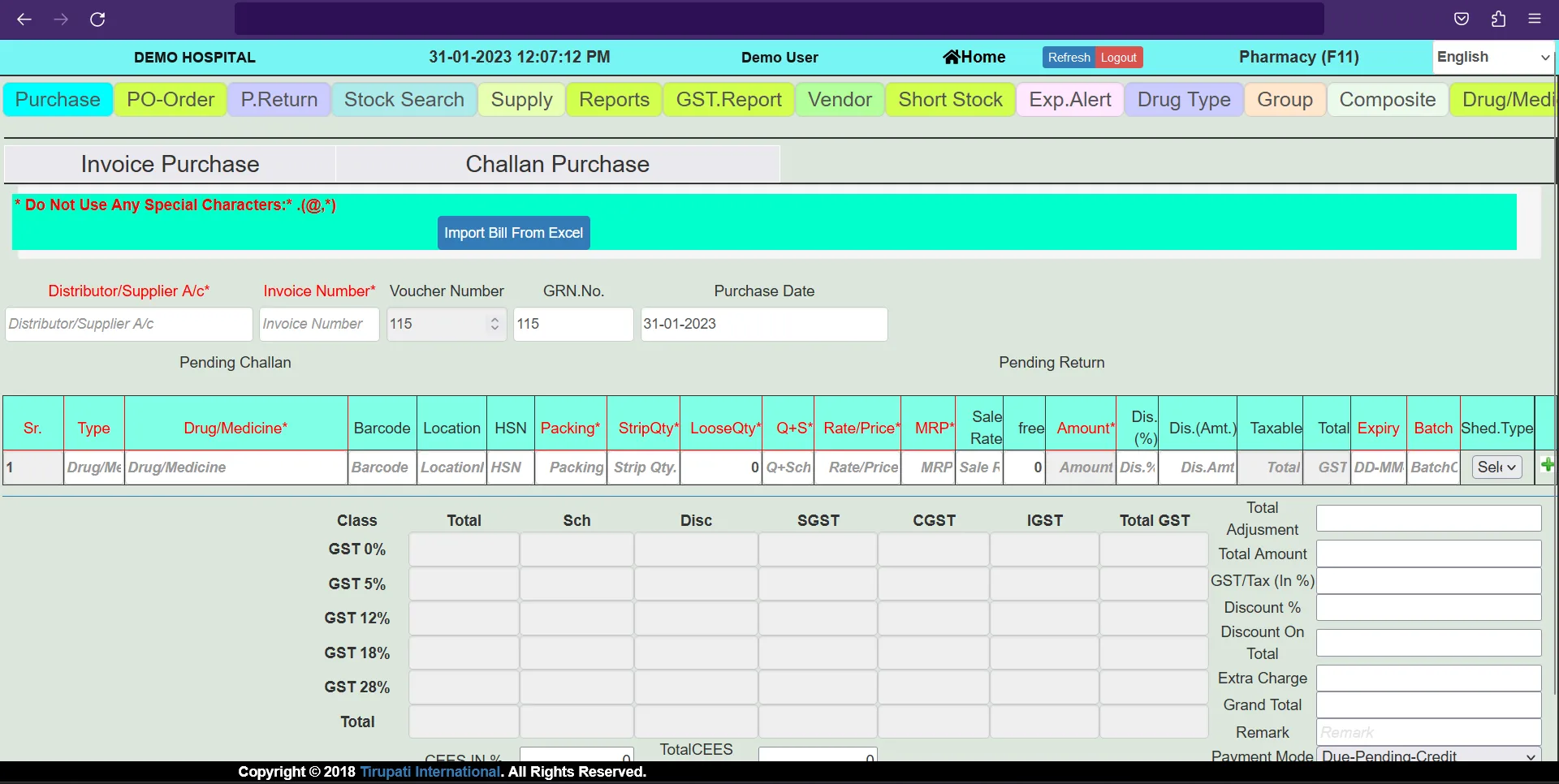
Medicines are sold and stock is purchased, ordered and monitored.
Pharmacy: Sales (Cash/Credit/Indent) & Purchase, Order, Stock, Tax Reports, Vendor Ledger, Short & Expiry, P&L
-
Step 8
Billing and settlement
Charges from every department come together into one invoice and settlement.
IP Billing: Advance, Item & Service Entry, Lab, Radiology, Medicine, Operation, Procedures, Doctor Charges, Implants, Invoice Generate, Settlement etc.
-
Step 9
Reports for management
Collections and activity reports by day, user, doctor, panel and more.
Reports: Day Collection, User wise, Head wise, Month & Year wise, Doctor wise, Panel wise
See it live with your own hospital in mind
Our team shows the real screens in a live demo.